Salesforce Flows & Automation
Salesforce articles in Salesforce Flows & Automation by Justin Pena.
 Salesforce Flows & Automation
Salesforce AI integrations: what admins and CRM teams should check first
A practical Salesforce AI integrations guide for admins and CRM ops: use cases, data readiness, Prompt Builder, Flow, trust controls, and rollout risk.
 Salesforce Flows & Automation
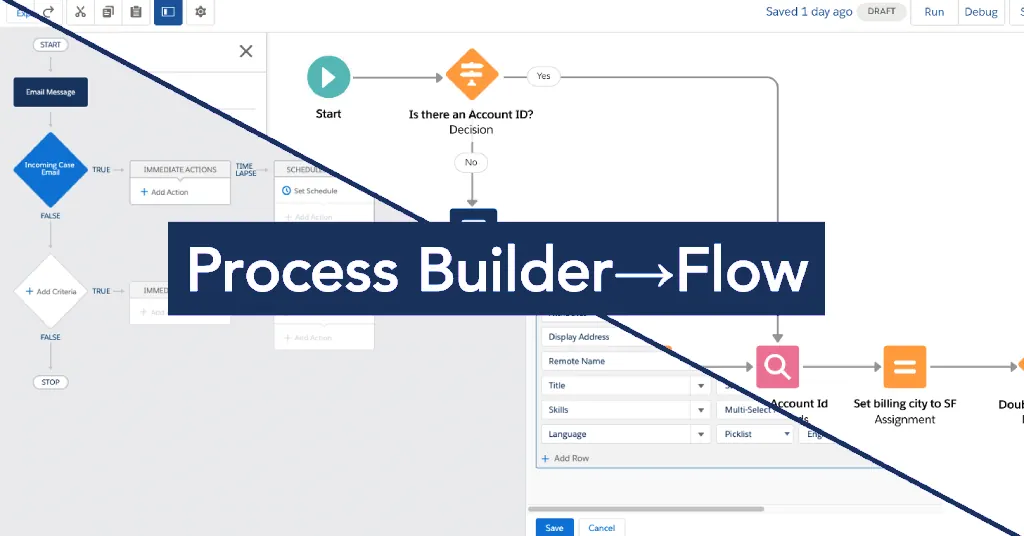
Process Builder to Flow migration guide
Inventory old Process Builders, map criteria and actions, rebuild what still matters, and retire the rest safely.
 Admin Tools & Best Practices
Clean up a Salesforce org without breaking reports or Flow
A safer cleanup path for fields, reports, automations, owners, and the places users work around bad data.
 Salesforce Flows & Automation
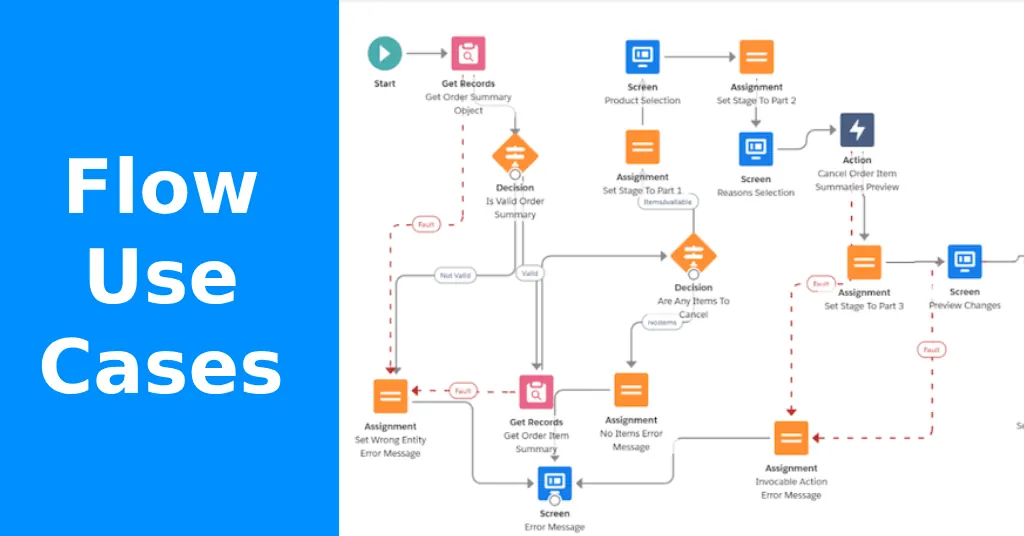
Salesforce Flow use cases that are worth automating
Practical Salesforce Flow use cases for admins: approvals, assignments, alerts, data cleanup, screen flows, scheduled flows, and maintenance risk.
 Salesforce Flows & Automation
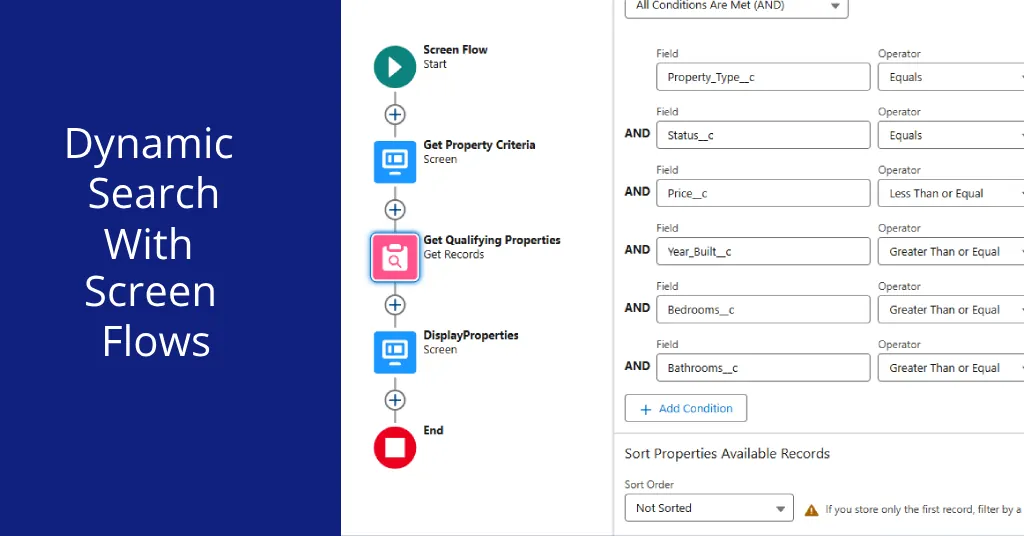
Dynamic Search with Screen Flows in 2026
Searching for related records in Salesforce shouldn’t be a hassle! With the power of Dynamic Search with Screen Flow, you can create a dynamic search tool…
 Salesforce Flows & Automation
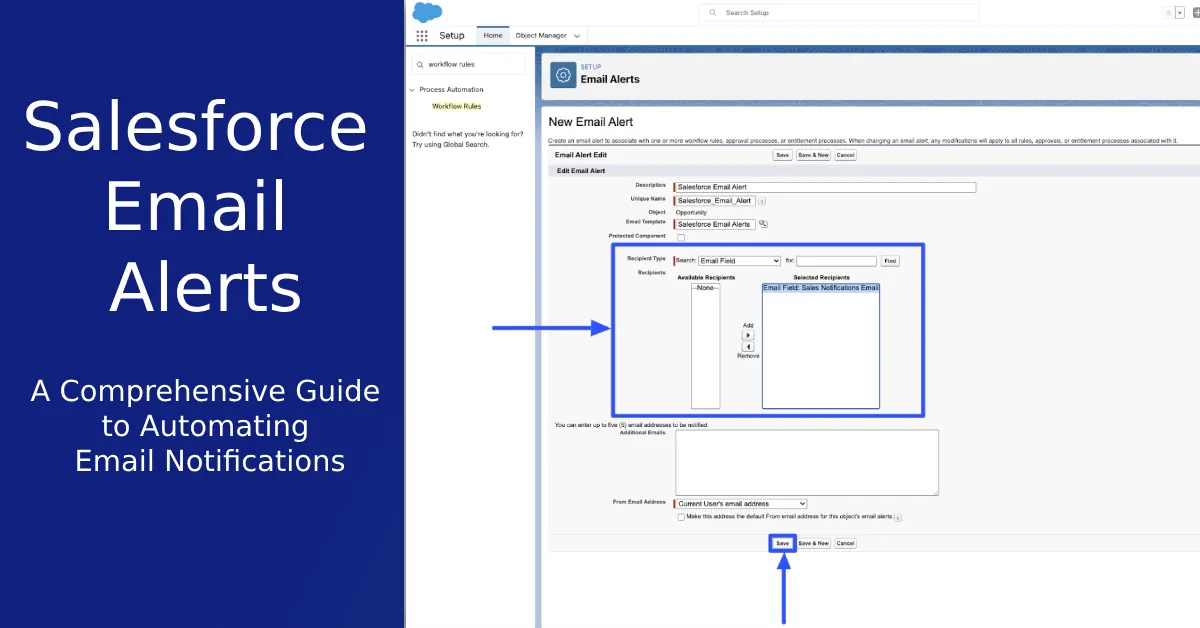
Salesforce email alerts for owner changes that users actually need
How to notify the right Salesforce users when an Opportunity, Case, or Lead owner changes without creating alert noise or brittle automation.
 Salesforce Flows & Automation
Salesforce Dynamic Forms and Flows: Practical Notes
Explore the revolutionary world of Salesforce Dynamic Forms in 2023! Dive deep into the construction of dynamic forms, deploying screen-flows with quick…
 Salesforce Flows & Automation
Salesforce Flow templates without automation debt
Templates can help, but admins still need to check criteria, variables, permissions, fault paths, and testing.
 Salesforce Flows & Automation
Getting Started with Salesforce Flows in 2026
Explore the world of Salesforce Flows with this comprehensive guide. Learn about the building blocks, granting access, terminologies, and best practices…
 Salesforce Flows & Automation
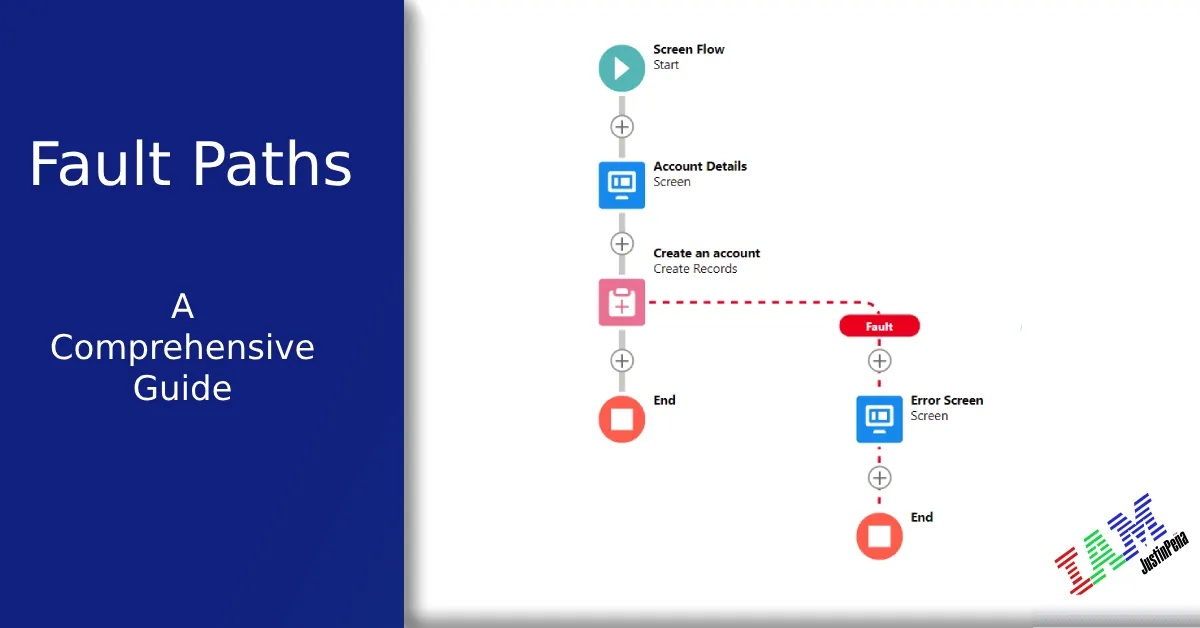
Salesforce Flow fault paths: what to catch before users do
A practical guide to Salesforce Flow fault paths: where errors happen, what to show users, how to log failures, and what admins should test before activation.
 Salesforce Flows & Automation
Salesforce screen flows: build forms users can actually finish
A practical Salesforce Screen Flow guide for admins: inputs, validation, conditional screens, Lightning pages, quick actions, testing, and UX cleanup.
 Salesforce Flows & Automation
Master Salesforce Platform Event-Triggered Flow in 2026
Unlock the potentials of Salesforce with Platform Event-Triggered Flows. Explore the mechanism of creating and testing these flows and understand the…
 Salesforce Flows & Automation
Creating Powerful Salesforce Autolaunched Flows & Utilizing Subflows (In 2026)
Step-by-step guide on creating, deploying, and using Auto Launched Flows & Subflows in Salesforce to boost business efficiency.
 Salesforce Flows & Automation
A Powerful Guide to Record-Triggered Flows (In 2026)
Explore the power of Salesforce’s Record-Triggered Flows. Unlock automation, optimize business processes, and enhance workflow efficiency!
 Salesforce Flows & Automation
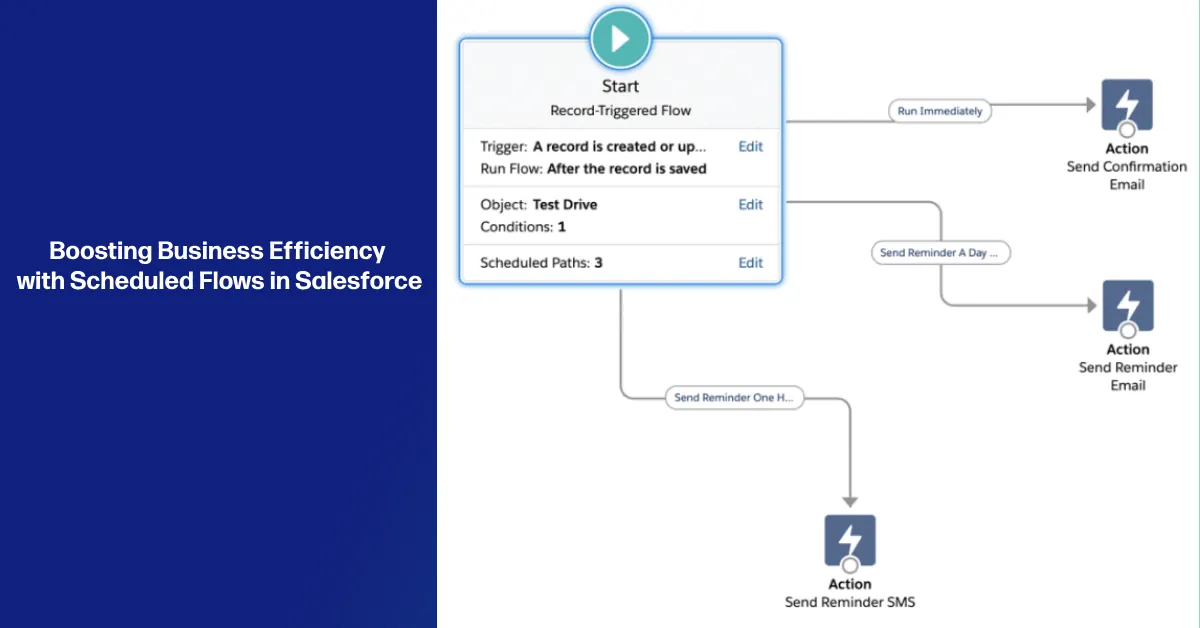
Scheduled Flows in Salesforce to Boost Business Efficiency
Are you looking to optimize your business operations and drive growth? Discover the power of Scheduled Flows in Salesforce. As a skilled Salesforce…
 Salesforce Flows & Automation
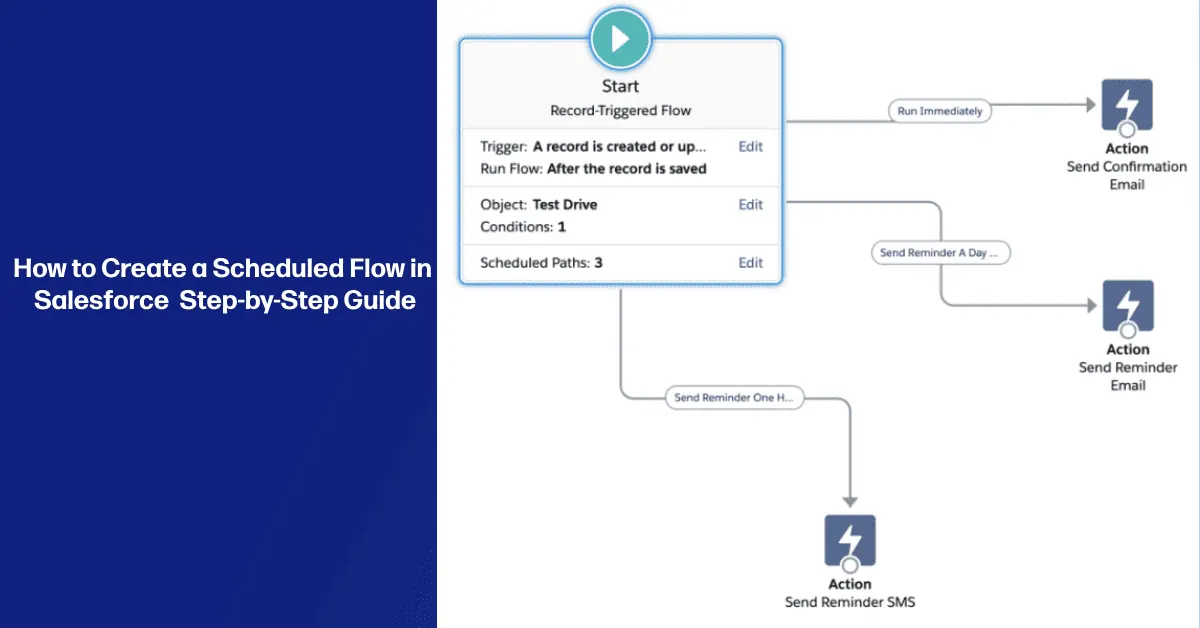
Scheduled Flows in Salesforce: Practical Admin Guide
A practical scheduled Flow guide for Salesforce admins: limits, run context, volume, testing, fault paths, monitoring, and when not to use Flow.
 Salesforce Flows & Automation
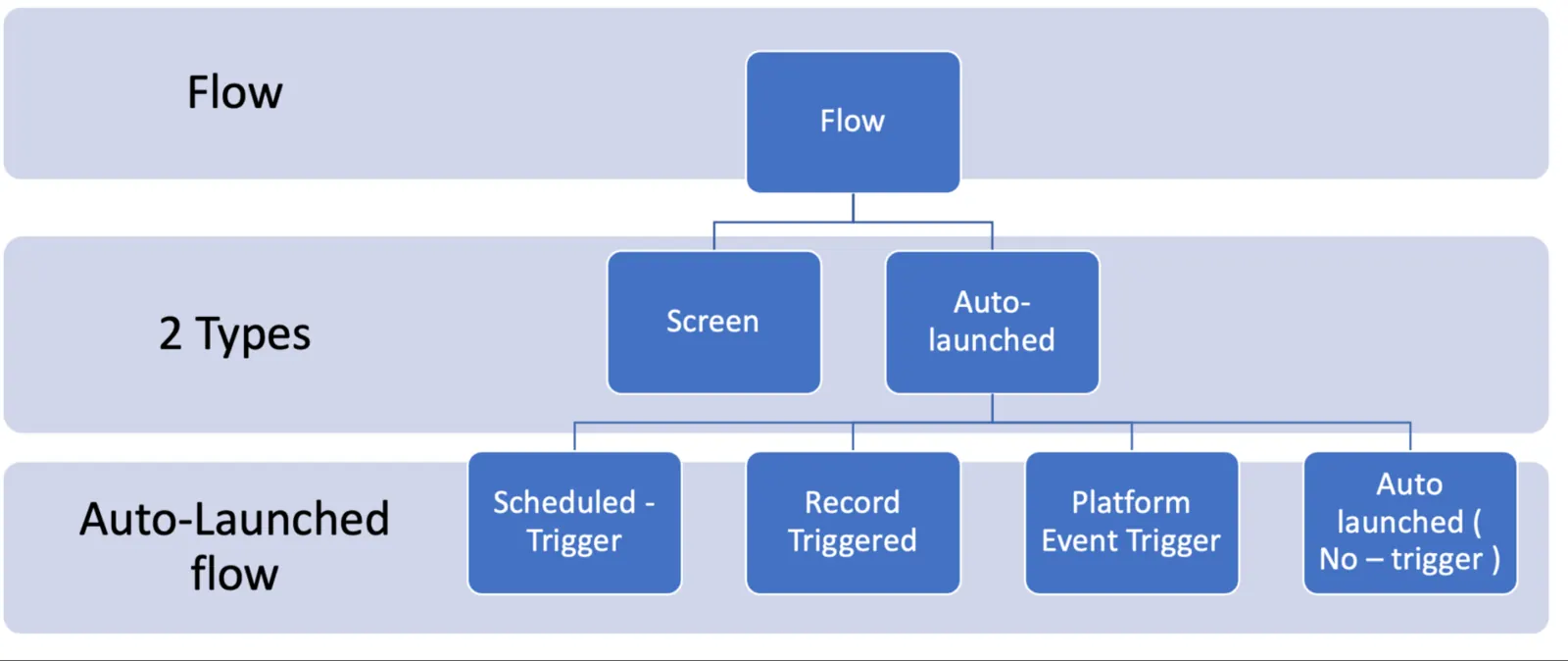
Tips: Plan your Flow!!!
Before you start creating flows, it’s essential to have a clear understanding of what you want to achieve and how the flow will fit into your business…
 Salesforce Flows & Automation
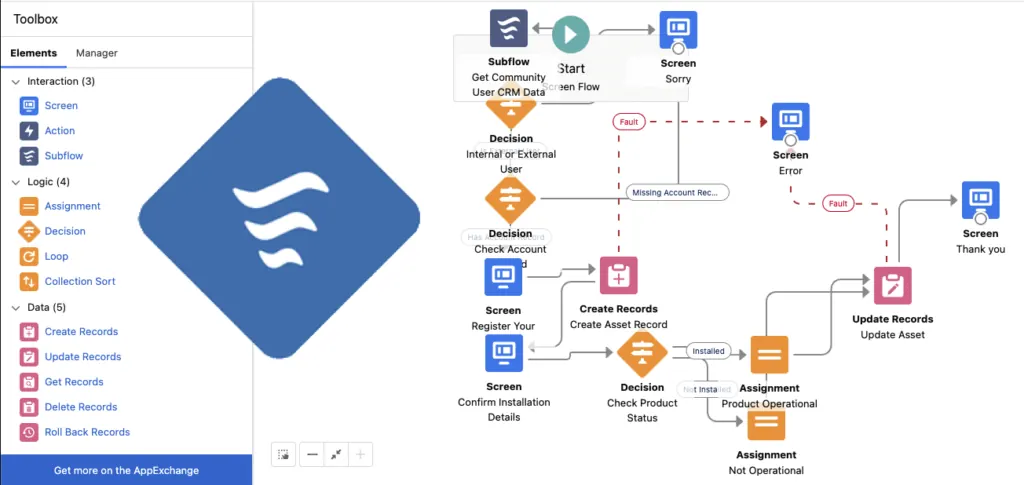
Salesforce Flow: What It Is Good For and Where It Becomes Debt
A practical Salesforce Flow guide for admins: good use cases, flow types, limits, ownership, testing, documentation, and cleanup risk.